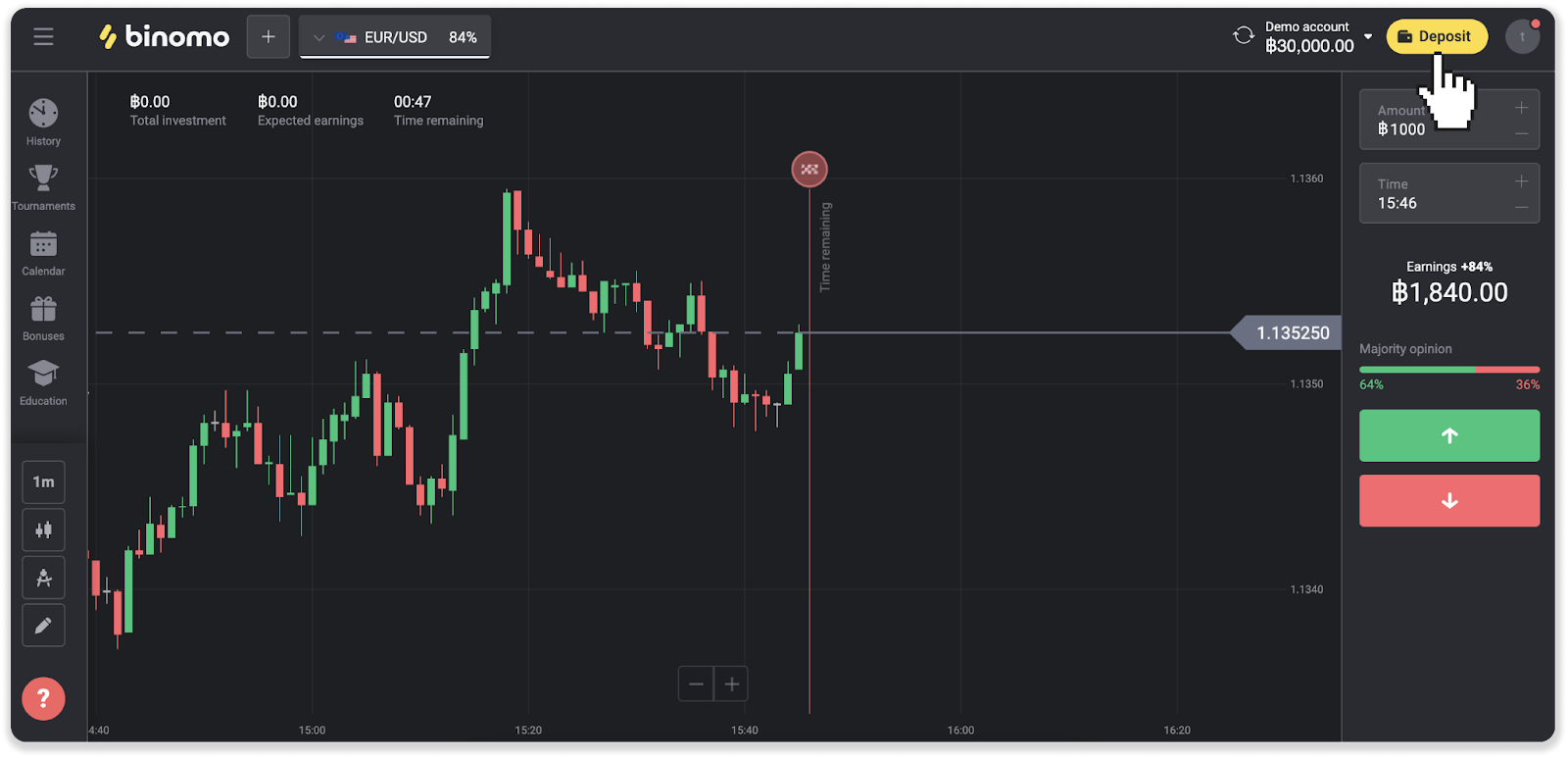
- Сlick the “Deposit” button in the top right corner of the screen.
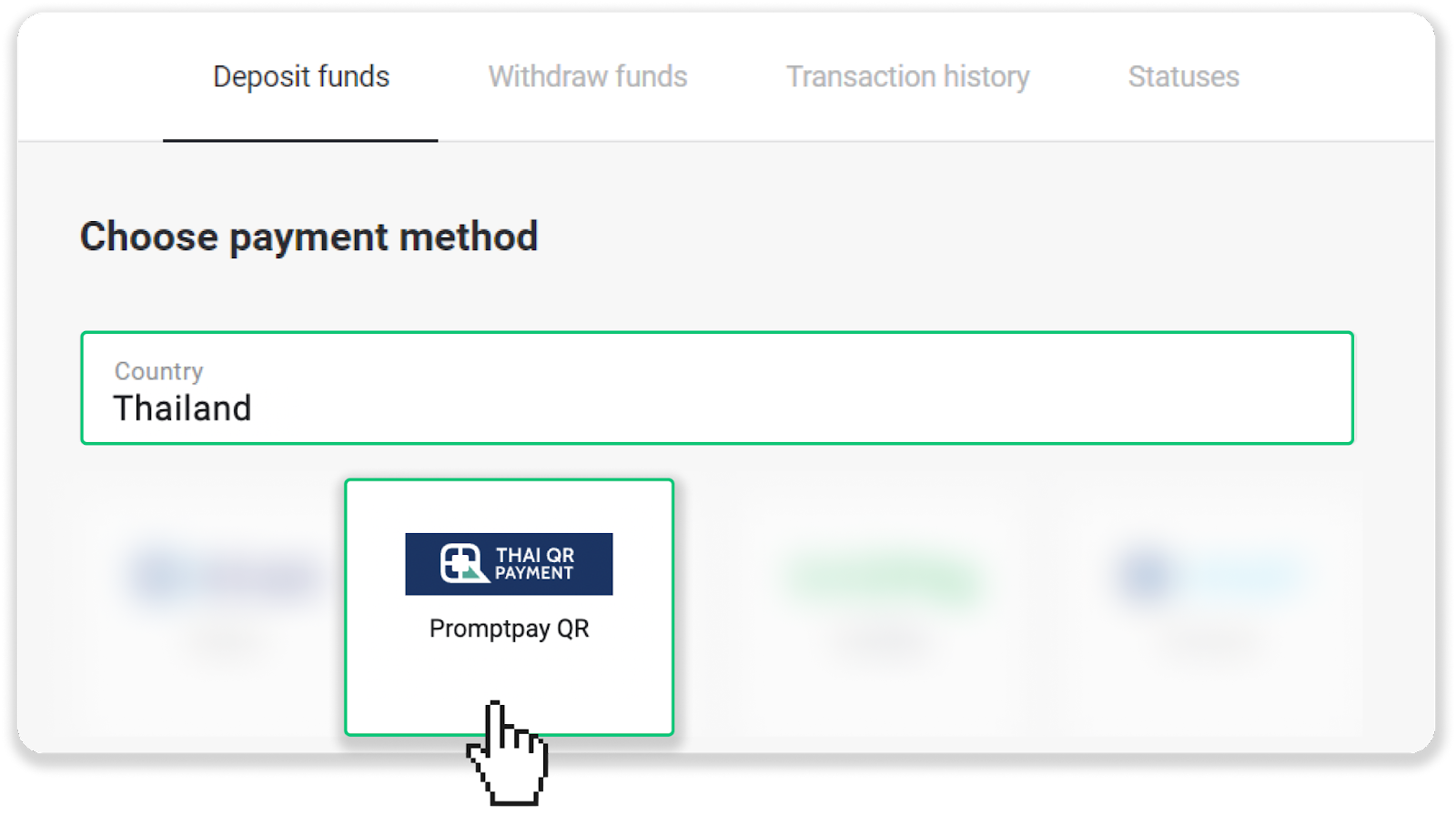
- Choose Thailand in the “Country” section and select the “Promptpay QR” payment method.
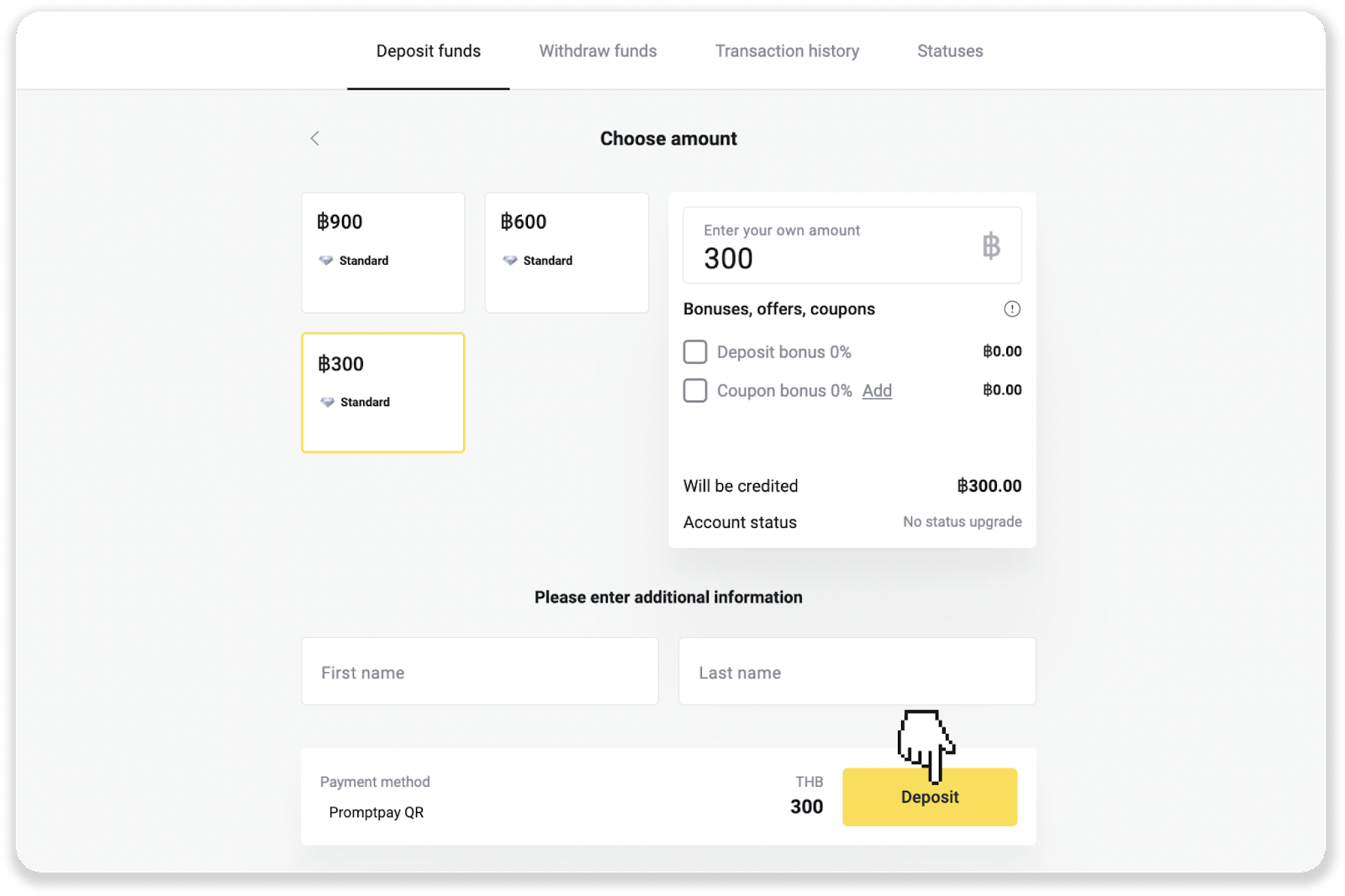
- Enter the deposit amount, your first and last name, and click “Deposit”.
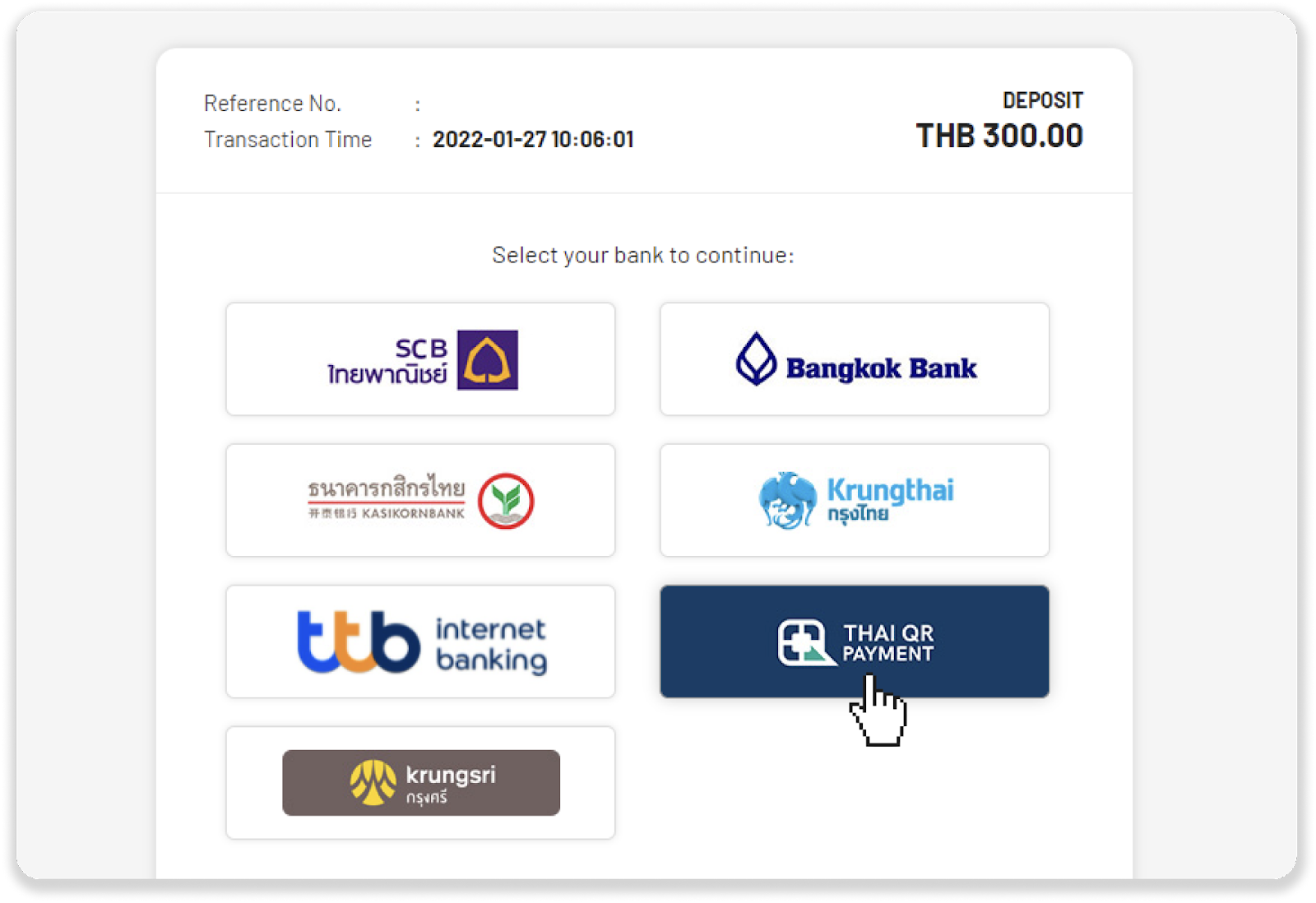
- Click on the “Thai QR payment” and then click “OK”.
- Scan the QR code with your banking app.
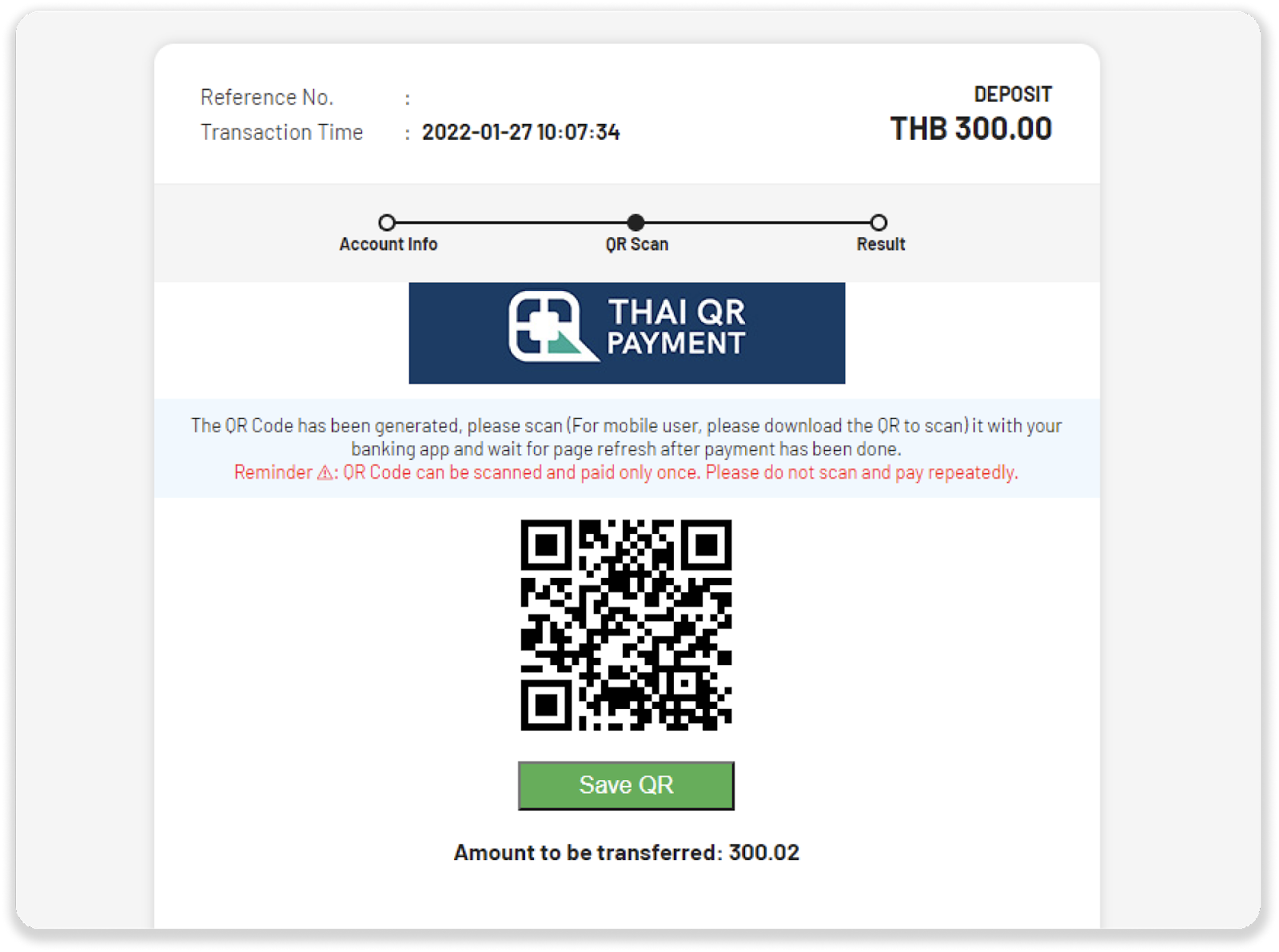
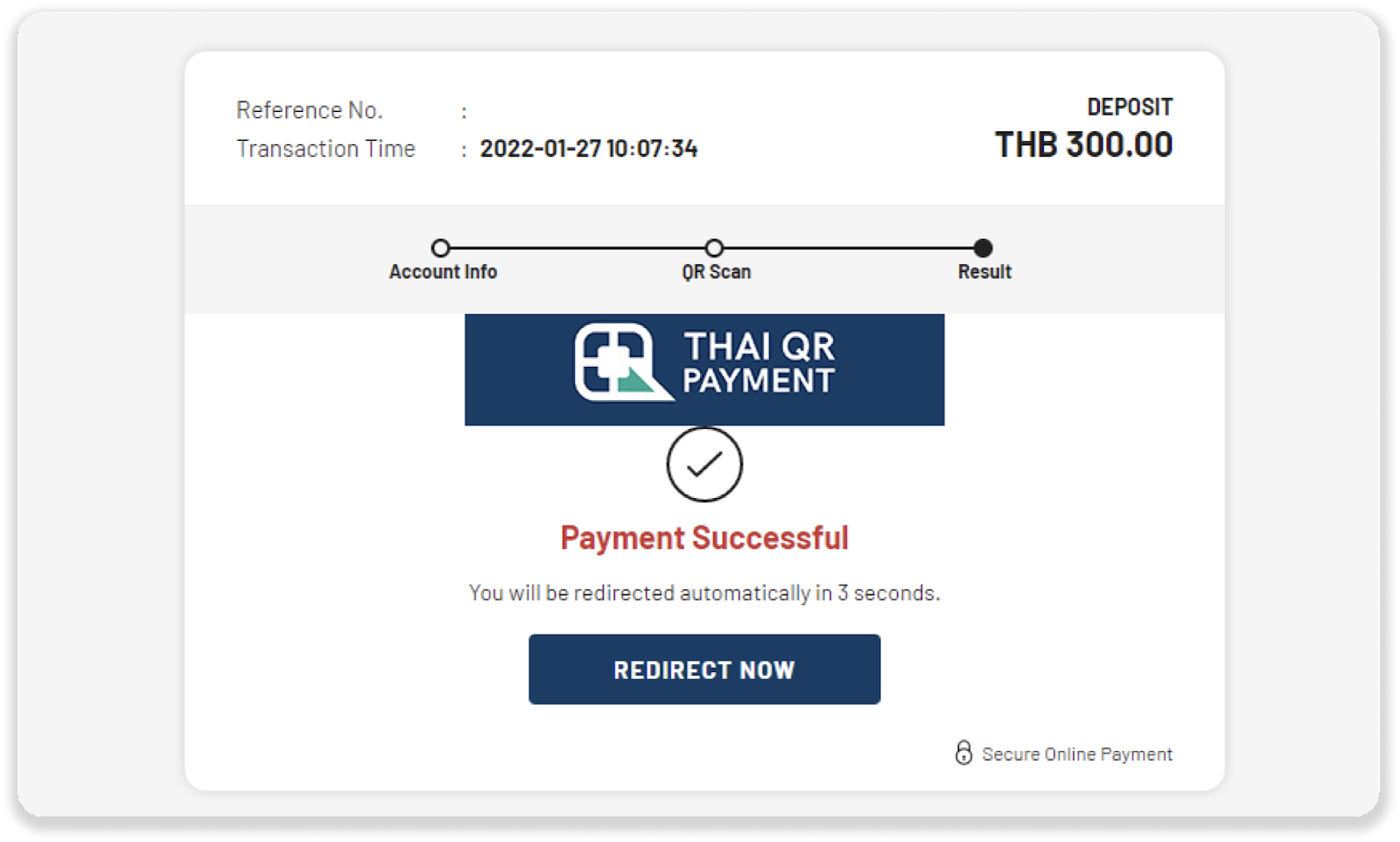
- Once you successfully make the payment on your banking app, you will see a payment confirmation screen.
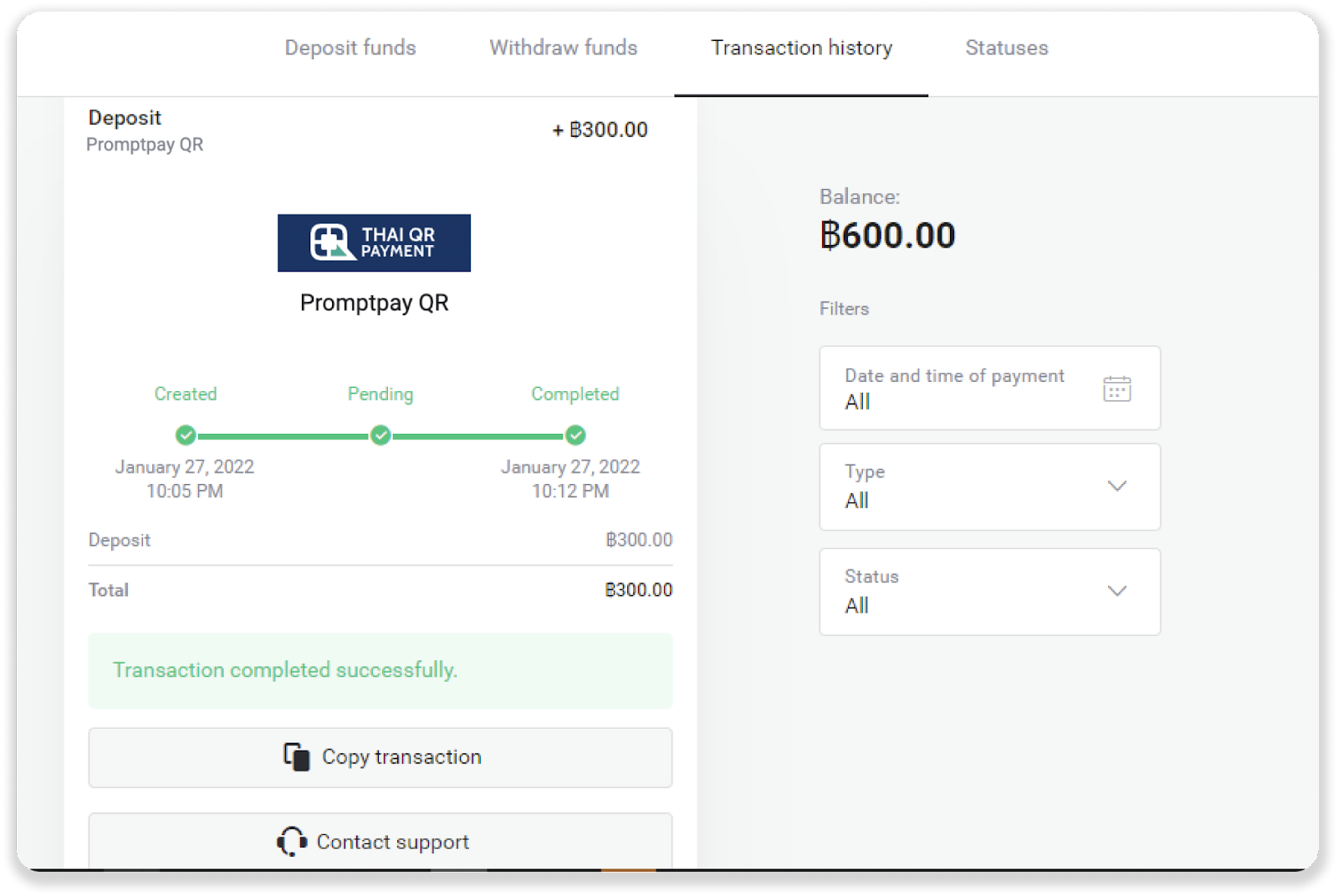
- To check the status of your deposit, go back to Binomo and click on the “Transaction history” tab.
Submit article feedback
Send